Logistics, handled
A team store, on your brand
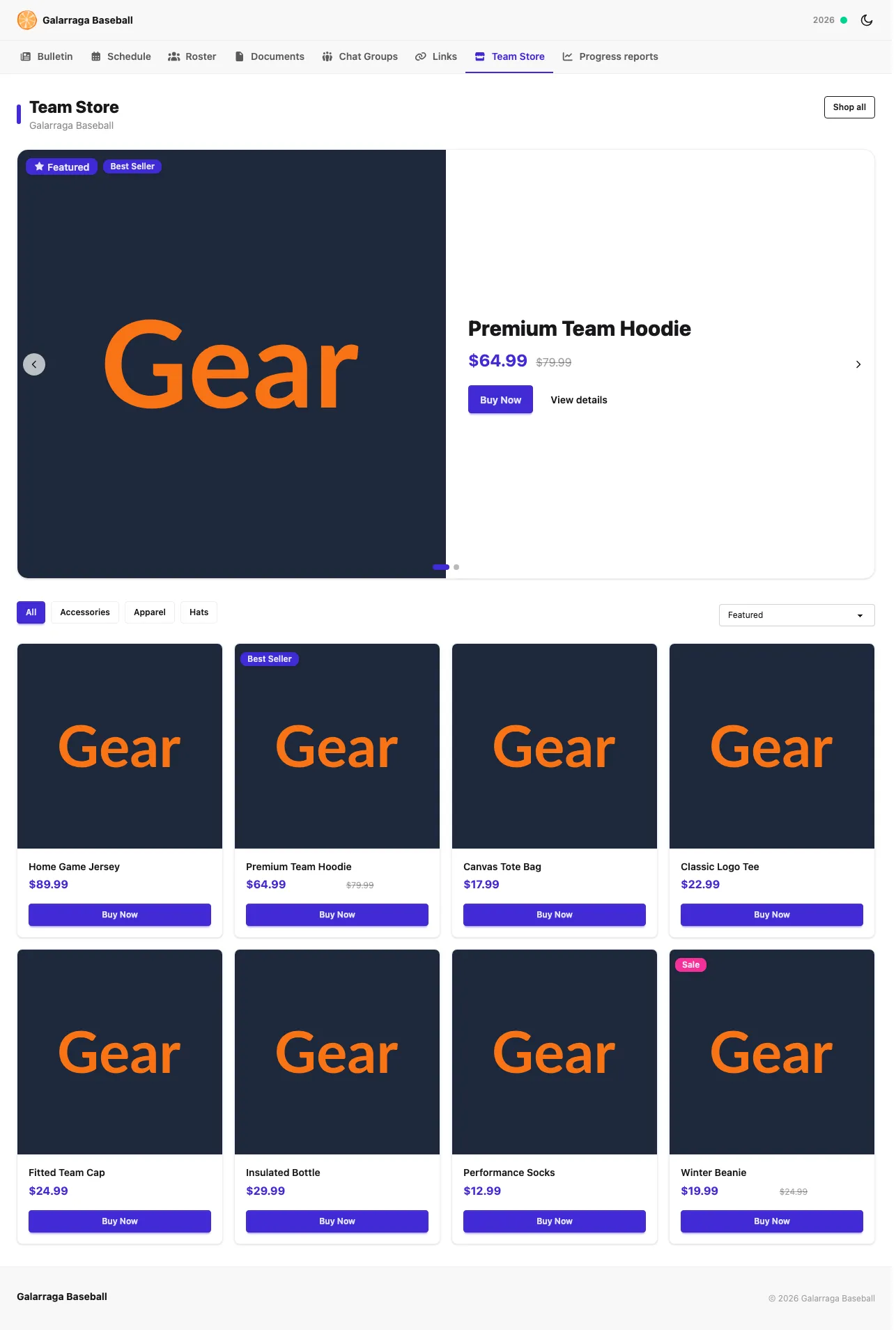
Keep your gear one click from the rest of your program. OrangeSlice displays your catalog on a branded Team Store page — powered by Artisans Stories or Chipply — with checkout on the hosted store.
Pricing is sized to your program — tell us how you're set up and we'll walk through what fits.
Works with your provider
Connect an existing store from Artisans Stories or Chipply — no rebuilding your catalog.
Nothing to manage
Checkout, payments, and fulfillment stay on the hosted store. You just connect and display.
On your brand
The store lives on your program's public site, consistent with everything else families see.
Frequently asked questions
- How does the team store work?
- OrangeSlice shows your store's products on a branded Team Store page on your public site. Buying happens on your provider's hosted store, so you don't manage inventory, fulfillment, or checkout — you just connect it and it appears.
- Which store providers does it support?
- Artisans Stories and Chipply. Connect your existing store from either provider and OrangeSlice displays the catalog on your public page; checkout stays on the hosted storefront.
- Do I have to run fulfillment or payments?
- No. Fulfillment and checkout are handled by your store provider. OrangeSlice is the branded storefront window that keeps gear one click from the rest of your program.
- Can I turn it off?
- Yes. The Team Store is optional — turn it on when you're ready and connect a provider under settings; leave it off otherwise.